The 3-Day AI Context Black Hole
ARTICLE 1 · AI DEVELOPMENT · PROJECT MEMORY · CONTROLLED DELIVERY
Why stepping away from an AI-coded project can destroy your momentum — and how to pick up exactly where you left off.
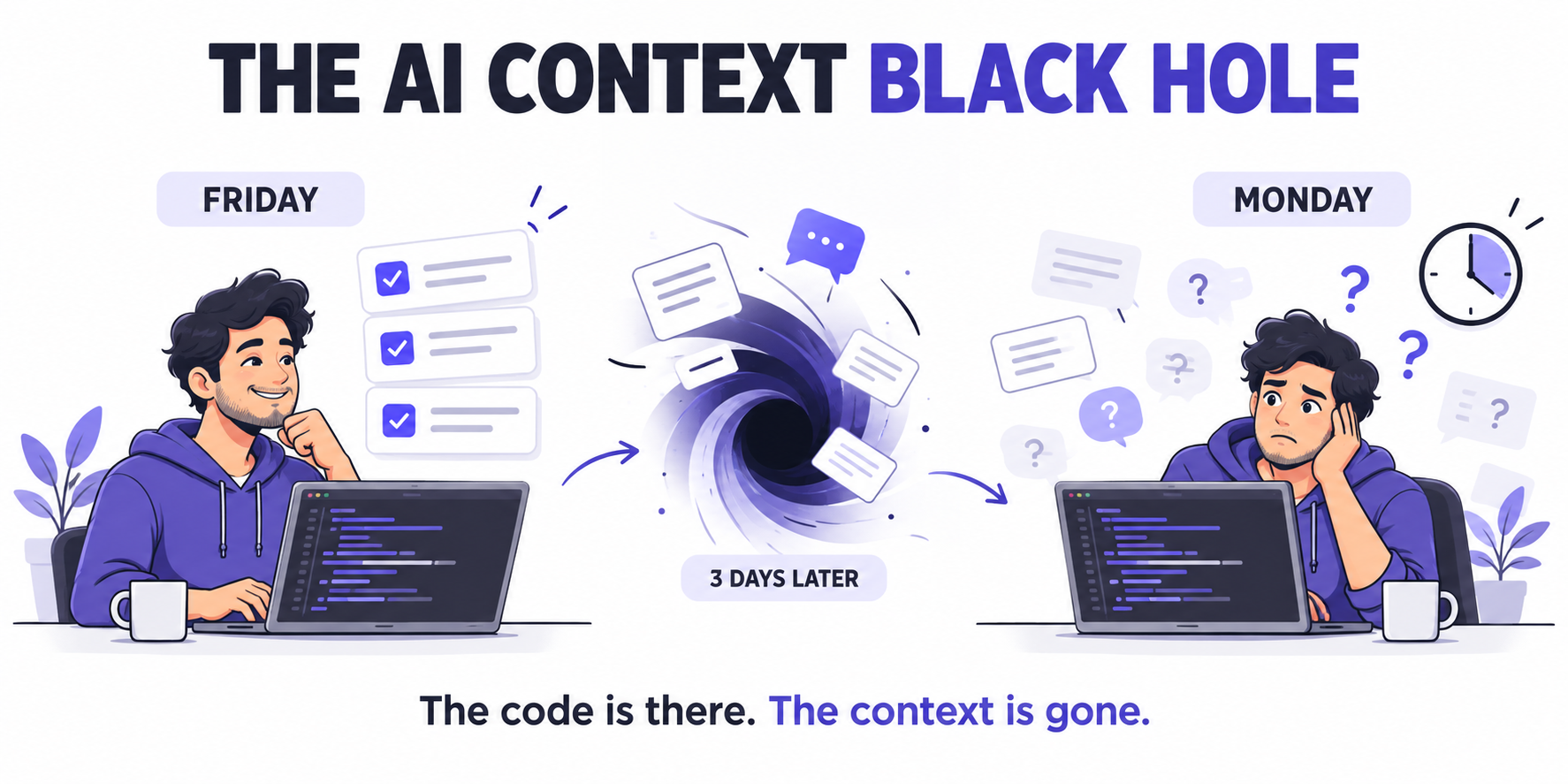
Friday: Everything Is Moving Fast
It’s Friday afternoon. You’ve been in a flow state with Cursor, Claude Code, or ChatGPT for four hours straight.
You’ve generated three new modules, fixed a tricky API connection, and watched the AI turn your instructions into working code.
You close your laptop feeling like a software wizard.
Monday: Where Did You Leave Off?
You open your IDE, look at the codebase, and hit an immediate wall:
- What’s finished? Which features are complete, and which are half-built?
- What was decided? Which architectural decisions were finalized in Friday’s 40-prompt conversation?
- What changed unexpectedly? Why did the AI modify two utility files, and were those changes checked?
Your chat history is a wall of code snippets, prompt iterations, and tool outputs.
You run git diff, but it spans 14 files without explaining why those changes were made.
Before writing a single line of code, you’ve spent 45 minutes reconstructing project state.
Warning
Welcome to the Mid-Project Black Hole.
The code is still there. The context you need to continue confidently is scattered across chats, commits, and your own memory.
Why Resuming Takes So Much Effort
In Thinking, Fast and Slow, Daniel Kahneman describes two modes of thinking:
| Thinking mode | How it works |
|---|---|
| System 1 | Fast, intuitive, and relatively effortless |
| System 2 | Slow, deliberate, and mentally demanding |
Recovering a project’s context demands deliberate effort. You have to reconstruct decisions, inspect changes, and distinguish completed work from unfinished experiments.
That often means:
- Re-reading old conversations to recover business rules.
- Parsing broad Git diffs to understand what the AI touched.
- Re-testing UI components to check whether a feature works.
- Re-explaining constraints before the next coding session.
The Problem With Chat-Based Project Memory
Chat windows are useful for conversations. On their own, they make a poor long-term project record.
When decisions and progress live mainly in chat threads, your context becomes fragmented. A new AI session may lack the decisions, constraints, and verification results from the previous one.
You become the human memory bank: repeating architecture, restating rules, and guessing where you left off.
Important
Your project needs a durable record outside the conversation.
That record should explain what changed, why it changed, what was verified, and what remains unfinished.
The Context Tax: Time Lost Before Work Begins
Every time you resume a project or switch tasks, there is a cost to recovering context.
Call it the Context Tax.
If each restart takes 30–40 minutes, the cost adds up quickly:
| Frequency | Time spent recovering context |
|---|---|
| One restart | 30–40 minutes |
| Three restarts per day | 1.5–2 hours |
| Twenty working days at that rate | 30–40 hours |
This is an illustrative calculation. Your actual cost depends on how often you switch tasks and how much context you need to recover.
The Cost Goes Beyond Lost Time
When an error surfaces two weeks later, a chat-only workflow may leave you without a clear record of:
- Why the implementation was chosen.
- Which files were intentionally changed.
- What checks were performed.
- Who approved the result.
Caution
Unrecorded progress is difficult to trust.
A feature can appear complete while its assumptions, unfinished work, and verification gaps remain hidden.
The Fix: Give Your Project Persistent Memory
The solution is to separate project memory from the chat interface.
Keep decisions, task state, and verification evidence in durable project records. Let the AI conversation serve as the workspace for executing a specific task.
A visual task board, supported by repository rules and an engineering journal, can become your Persistent Execution Memory.
The Controlled Execution Loop
| Step | Purpose |
|---|---|
| 1. Persistent project memory | Record the task, constraints, decisions, and current state. |
| 2. Bounded AI execution | Give the agent one clearly defined task with explicit boundaries. |
| 3. Evidence-based verification | Check the result against acceptance criteria and record the evidence. |
| 4. Human approval | Review the work before accepting it as complete. |
The result of each cycle feeds back into the project record, giving the next session a reliable starting point.
Tip
End each task by preparing the next restart.
Record what changed, what was checked, what is blocked, and the next concrete action.
What Changes in Your Daily Workflow?
1. You Can See the Project’s State
Every feature and bug fix has a persistent task card.
When you return after three days — or three weeks — the board helps you distinguish:
- In Progress: Work that is underway.
- In Review: Work awaiting verification or approval.
- Done: Work that has met its acceptance criteria.
You start with a visible record instead of reconstructing progress from memory.
2. The AI Helps Maintain the Engineering Journal
Before submitting a task for review, the coding agent can generate a result summary based on the actual changes.
A useful entry includes:
- Changes: What was implemented and which files were affected.
- Decisions: Why the chosen approach was used.
- Verification: Which checks passed, failed, or could not be run.
- Next action: What remains to be done.
The journal becomes part of delivery, rather than a separate documentation chore.
3. Standing Rules Stay With the Repository
Store architecture guidelines and working constraints in persistent project files.
Examples include:
- Use TypeScript strict mode.
- Keep changes within the agreed task scope.
- Require review before modifying authentication.
- Record verification results before marking work complete.
The agent should read these rules at the start of each session. You spend less time repeating instructions and more time reviewing useful work.
4. Monday Starts With a Clear Next Action
Instead of opening a long chat history, you:
- Open the task board.
- Read the latest result summary.
- Identify unfinished work or select the next bounded task.
- Give the coding agent the relevant rules and acceptance criteria.
- Resume building.
Tip
Use the board for task status and link it to supporting evidence.
Keep implementation history in Git, standing rules in the repository, and decisions in the journal. The task card should make those records easy to find.
From Prompt Author to Engineering Director
AI coding agents are powerful tools for producing code. Reliable delivery also needs persistent context, clear boundaries, and verified results.
Your role shifts from remembering every conversation to directing the work:
| You control | The AI helps execute |
|---|---|
| Scope and priorities | Bounded implementation tasks |
| Architectural boundaries | Changes within those boundaries |
| Acceptance criteria | Checks and result summaries |
| Final approval | Task updates and documentation |
You still exercise judgment. You simply stop relying on memory to hold the project together.
A productive Friday should leave you with more than new code.
It should leave you with a clear, trustworthy starting point for Monday.
Before You Close Your Laptop
Use this short handover checklist:
- Status is current: Every active task reflects its actual state.
- Changes are explained: The journal records what changed and why.
- Verification is recorded: Results include failures and checks that could not run.
- Unfinished work is visible: Blockers and remaining actions are explicit.
- The next step is clear: You know exactly where to resume.
With those records in place, stepping away becomes less disruptive — and returning no longer requires an archaeological dig through your chats.
Note
Build a Workflow You Can Resume With Confidence
The Card-Driven AI Development Playbook shows how to turn visual task boards into persistent AI execution memory, with prompt kits, specification templates, and a real-world case study.