Your AI Isn’t Dumber. It’s Missing Context.
ARTICLE 5 · AI DEVELOPMENT · PROJECT MEMORY · CONTEXT MANAGEMENT
Why a capable coding assistant can lose its way as your project grows.
Have you noticed that an AI coding agent feels impressively sharp during the first hour of a project, but becomes less consistent as the codebase grows?
In session one, it writes clean functions and follows your instructions.
By session ten, it may:
- Confuse existing names and conventions.
- Suggest the wrong database framework.
- Reintroduce a pattern you already rejected.
- Repeat a mistake you fixed three days ago.
It is tempting to conclude that the assistant is getting worse.
But there is another explanation: the information it needs is no longer reliably available in its working context.
Warning
A capable model can still make poor decisions with incomplete context.
Before blaming its intelligence, check whether it has the current rules, relevant code, and recorded project decisions.
Intelligence and Project Memory Are Different
An AI model’s general capabilities do not guarantee awareness of your application.
Your project has its own history:
- Architectural decisions.
- Business rules.
- Coding conventions.
- Rejected approaches.
- Completed tasks.
- Unresolved dependencies.
The agent needs access to that information to make useful decisions.
Knowing how to write software is different from knowing how your software should work.
Why Context Gets Lost
1. The Chat Window Is Temporary
AI assistants work with a finite context window.
As a conversation grows, earlier information may be summarised, omitted, or become harder to use reliably. How this happens depends on the tool.
A decision buried hundreds of messages earlier may no longer guide the next implementation.
2. New Sessions Need a Reliable Starting Point
Some tools support saved instructions, memory, and repository files. Others require more explicit setup.
Either way, you should not assume that a new session has inherited every important decision from the previous one.
Without a reliable starting point, the agent may fill gaps with generic assumptions.
Important
Persistence and retrieval are separate requirements.
Saving a rule is useful only if the agent reads and applies it when the task begins.
3. Repository Access Does Not Equal Project Awareness
Coding agents can often search and inspect repository files.
That helps them understand implementation details, but the code alone may not explain:
- Why an approach was chosen.
- Which changes are awaiting approval.
- What another task depends on.
- Which files are outside the current scope.
- What verification remains incomplete.
Project state needs an explicit record alongside the code.
The Solution: Persistent Execution Memory
Keep important project information outside the chat thread, in records that can be reviewed and supplied to each session.
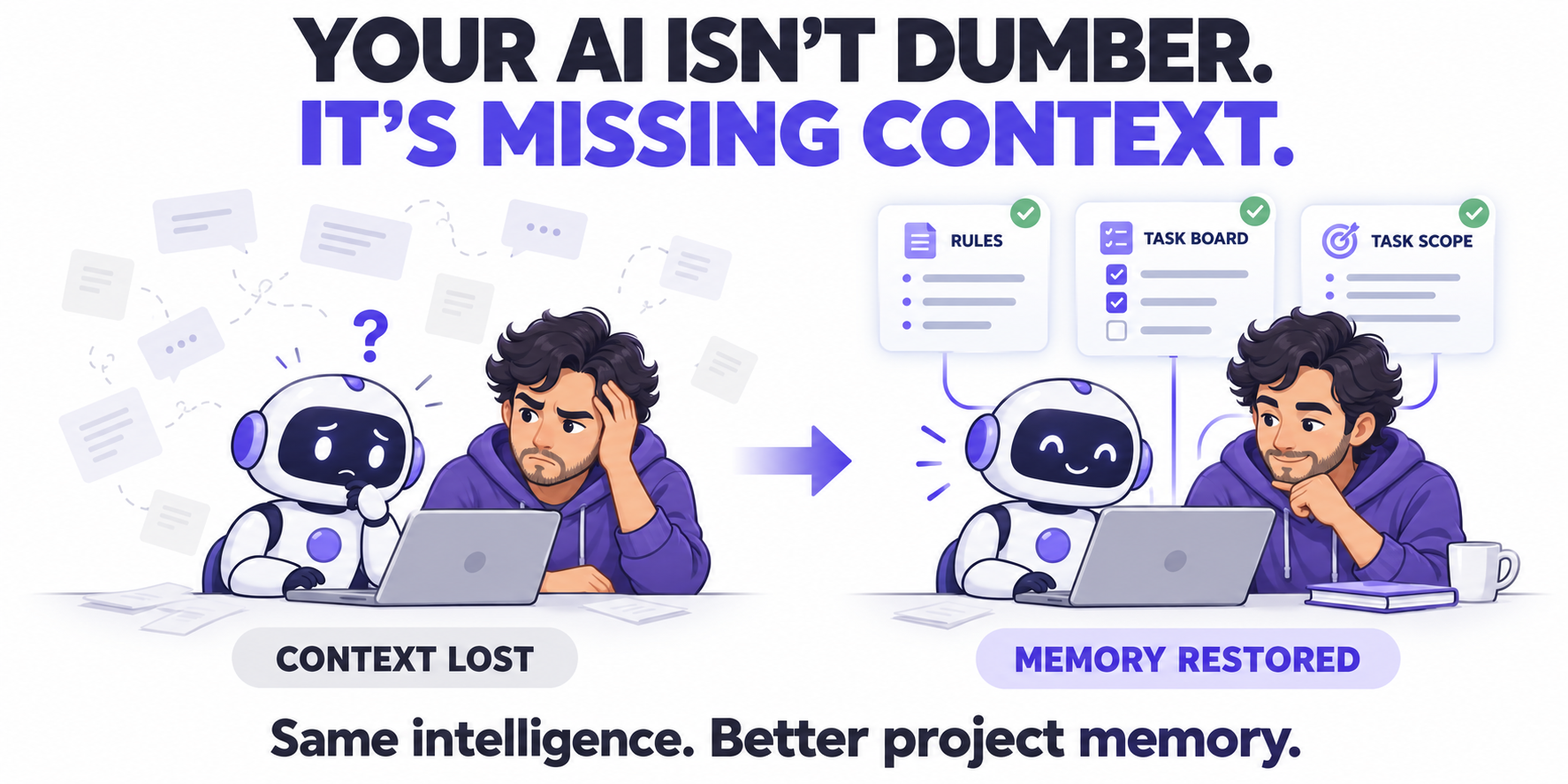
A Structured Execution System provides three practical memory anchors.
| Memory anchor | What it records | Why it matters |
|---|---|---|
| Standing repository rules | Technology stack, conventions, architectural constraints, and verification requirements | Gives each session a consistent set of working rules |
| Visual task board | Task status, dependencies, priorities, and milestones | Shows what is complete, active, blocked, or awaiting review |
| Bounded context cards | The current objective, relevant references, permitted changes, and exclusions | Gives the agent enough context to execute one controlled task |
These anchors work together.
Repository rules establish the baseline. The board records project state. The task card defines the immediate work.
Give Each Record a Clear Responsibility
Avoid copying the entire project history into every prompt.
Instead:
- Keep standing rules in the repository.
- Keep status and dependencies on the task board.
- Keep decisions and results in the engineering journal.
- Link the current card to the relevant code and supporting records.
Tip
Supply the smallest complete context for the task.
Include the information needed to make the right decision, without burying it in unrelated history.
Start Every Session With a Context Check
Persistent records do not automatically guarantee that an agent will read them.
Make context loading an explicit part of the workflow:
- Read the repository rules.
- Open the approved task card.
- Review its dependencies and recent journal entries.
- Inspect the relevant implementation.
- Identify missing information before changing code.
When your tool supports automatic instruction loading, configure it—but still check that the agent’s proposed approach reflects those instructions.
Keep the Memory Current
Outdated records can mislead an agent just as easily as missing ones.
Before submitting a task for review, record:
- What changed.
- Which decisions were made.
- What was verified.
- What remains blocked or unfinished.
- What the next session should do.
Every completed task should leave a clearer starting point for the next one.
Caution
Persistent memory is not a substitute for review.
The agent can still misunderstand instructions or overlook dependencies. Check the implementation against the task boundaries and acceptance criteria.
Stop Re-Explaining. Start Recording.
When your assistant repeats an old mistake, ask:
| Question | What to check |
|---|---|
| Was the rule recorded? | Is it in a durable project file rather than only a chat? |
| Was it current? | Does it reflect the latest approved decision? |
| Was it retrieved? | Did the agent read it during this session? |
| Was it clear? | Does it describe the required behaviour without ambiguity? |
| Was it verified? | Did review catch a departure from the rule? |
This gives you a practical way to investigate recurring mistakes.
Give Your AI a Reliable Project Memory
You cannot make every AI session perfectly consistent.
You can make the information it depends on easier to find, understand, and verify.
With current repository rules, visible task state, and bounded context cards, your assistant has a stronger foundation for useful work—whether you are starting the project or returning months later.
Better continuity begins with a project record the next session can actually use.
Note
Build Maintainable Software With AI
The Card-Driven AI Development Playbook includes prompt frameworks, context templates, and the real-world Invoice Capture case study to help you build a controlled workflow with persistent project memory.